
How to Withdraw from the Lawson ATM
Follow these steps to withdraw cash from your City Wallet balance using your City Express Wallet Card at a Lawson Bank ATM.
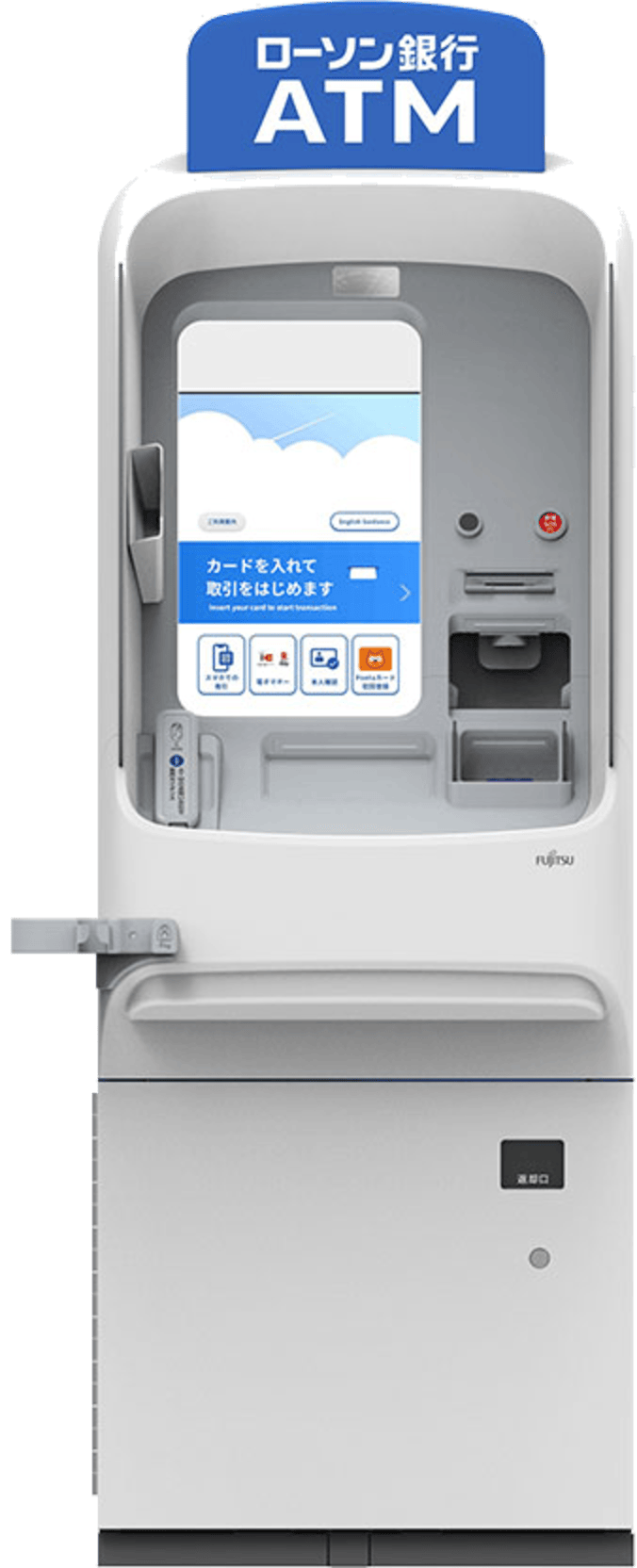

Get ready
- App
Check your available balance in the City Express app
- Store
Go to a Lawson Bank ATM inside any Lawson store
- Card
Have the silver side of your Wallet Card ready
Start the withdrawal on the ATM
- ATM screen
Tap “Withdrawal” on the ATM home screen
- ATM screen
Insert your Wallet Card into the card slot
- ATM screen
Enter your 4-digit PIN, then press “Confirm”
Never share your PIN. If anyone approaches you while you are using the ATM, stop and cancel the transaction.
Enter the amount and collect your cash
- ATM screen
Enter the amount, check the fee shown, then press “Confirm”
- ATM screen
Take your cash, card and receipt
- App
Check your updated balance in the app
Your City Wallet Card works at Lawson Bank, Japan Post Bank and Seven Bank ATMs across Japan — the same card you use to deposit cash also withdraws it. Withdrawals are available 24/7, your balance updates in the app once the cash is dispensed, and the ATM fee is shown before you confirm. You can freeze the card or check its limit any time under Menu → My available cards.
Still have questions about ATM withdrawals?
Contact our support team