
First, download the app
The City Express app is where registration starts. Scan the QR code, or search “City Express Money Transfer” on the App Store or Google Play.



Make sure these documents are ready
For foreign residents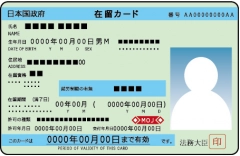
Residence Card
Please note both sides are required
For Japanese nationals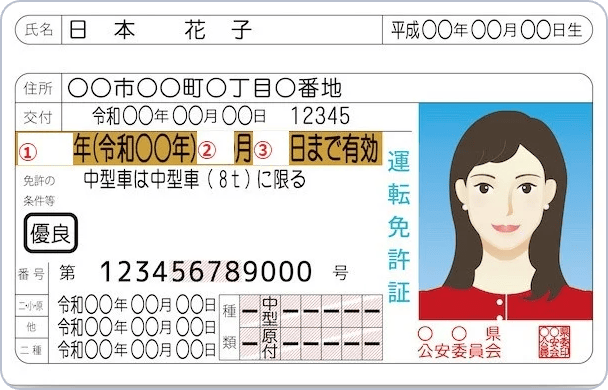 or
or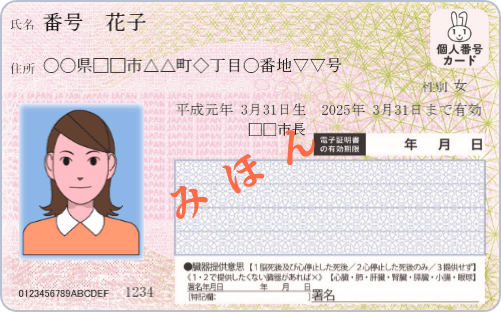
Driving License
Please note both sides are required
My Number Card
Individual Number Card (front side)
Step 1
1
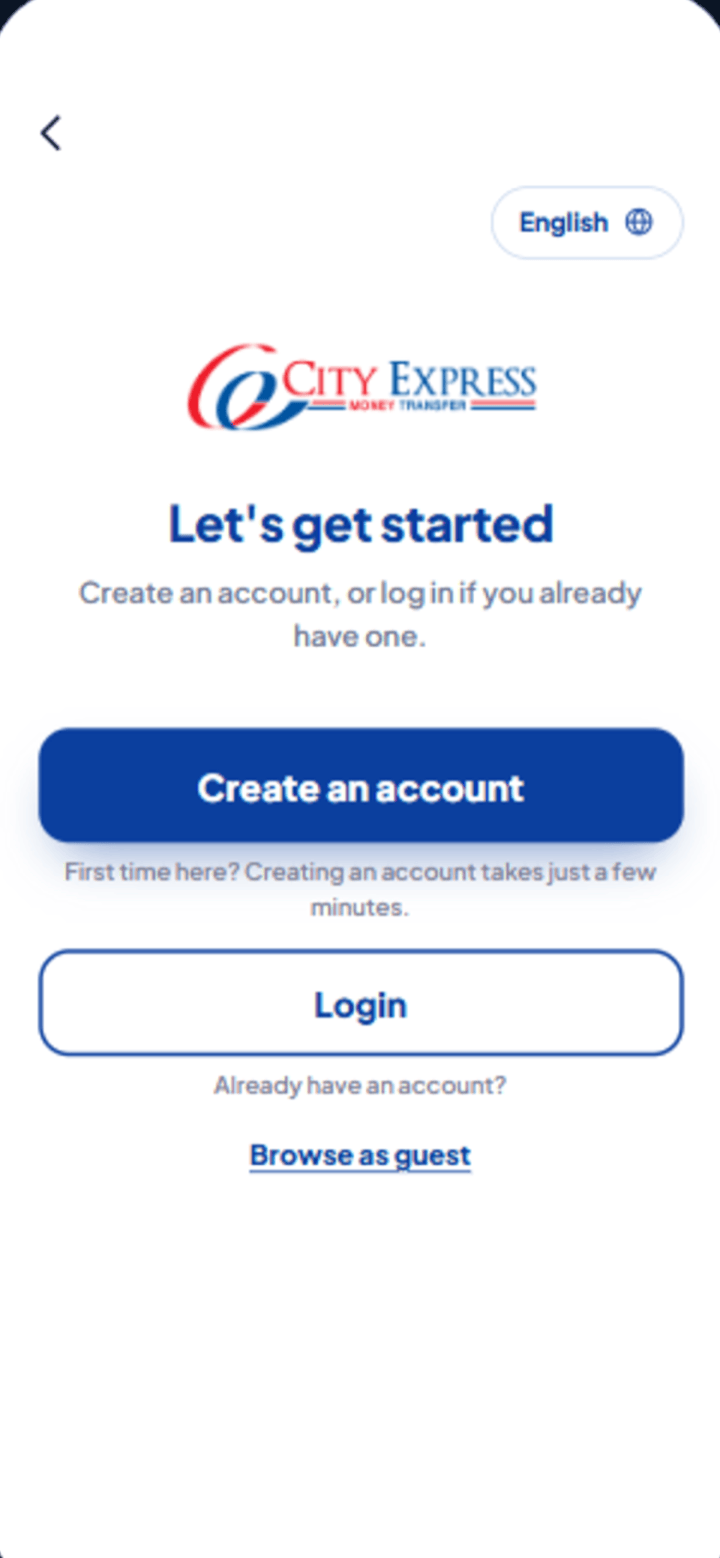
Tap “Create an account”
- i.Opening the app shows the “Let’s get started” screen. If this is your first time, tap the blue Create an account button.
- ii.Already a member? Tap Login instead. To look around first, tap Browse as guest.
Use the English button at the top right to switch the app language before you start.
Step 2
2
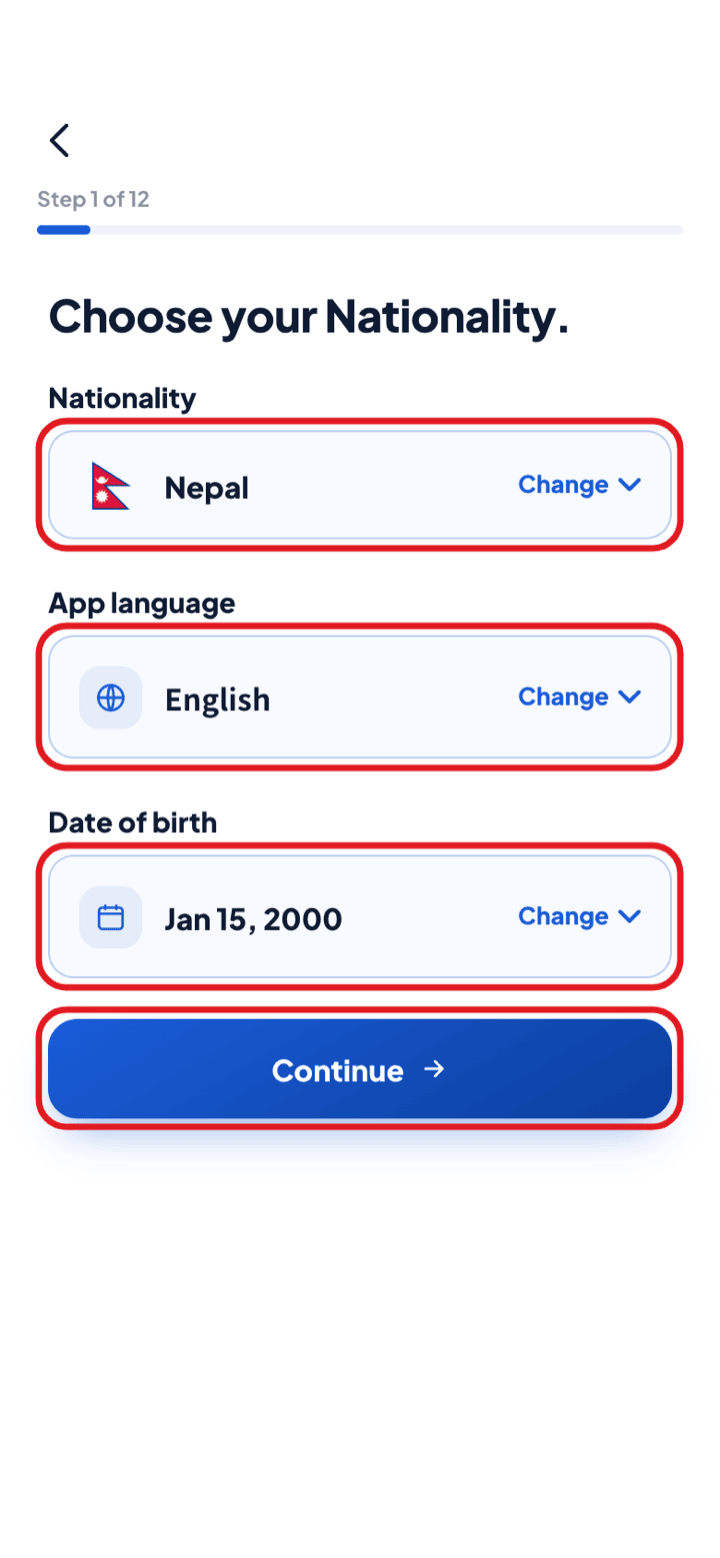
Choose your nationality
- i.On the login screen tap Create an account, then Register as new customer.
- ii.Pick your nationality, the app language and your date of birth — this is step 1 of 12.
Step 3
3
Sign up with your email
- i.Enter your email address — we send a 6-digit verification code to it.
- ii.Or tap Sign up with mobile number to register with your phone instead.

Step 4
4
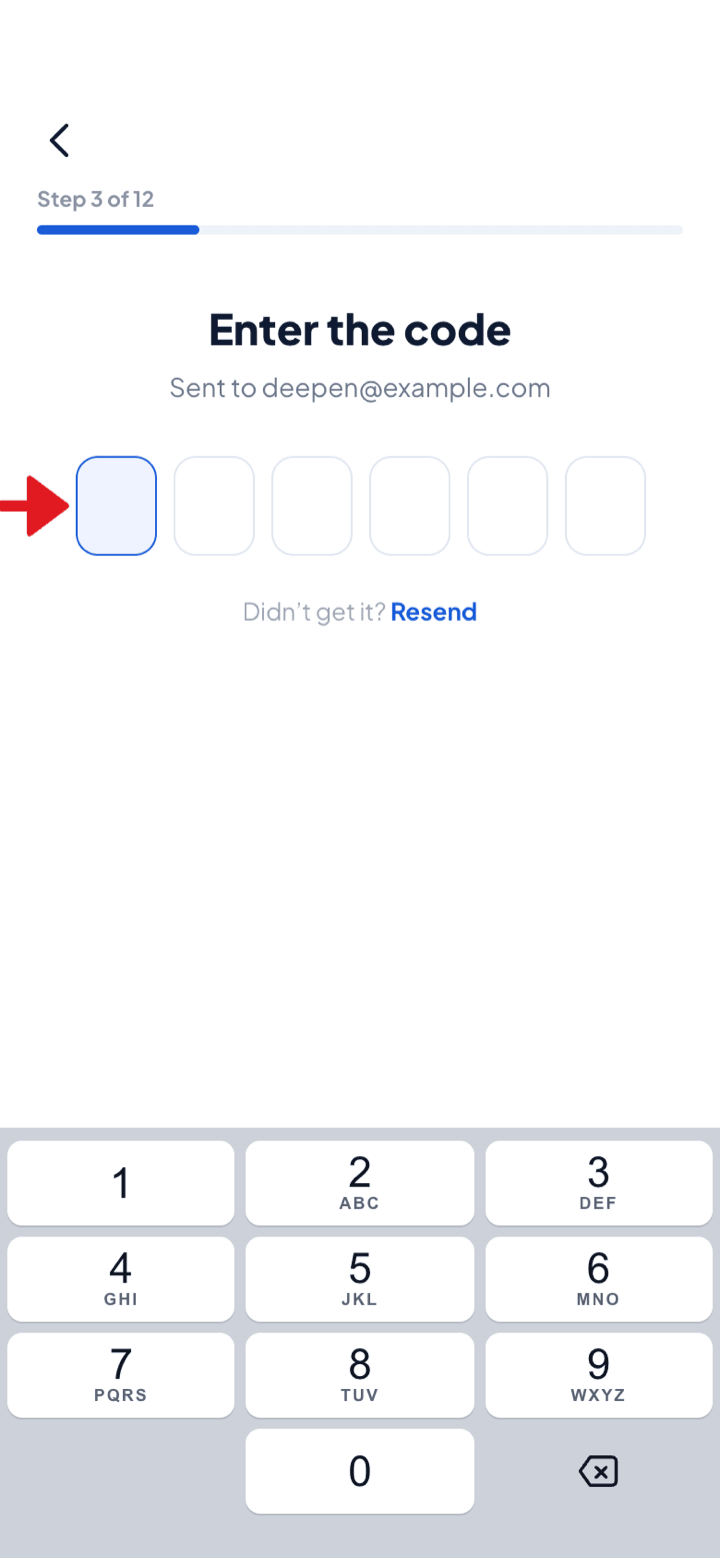
Enter the code
- i.Type the 6-digit code we sent you.
- ii.If it does not arrive, tap Resend.
Step 5
5
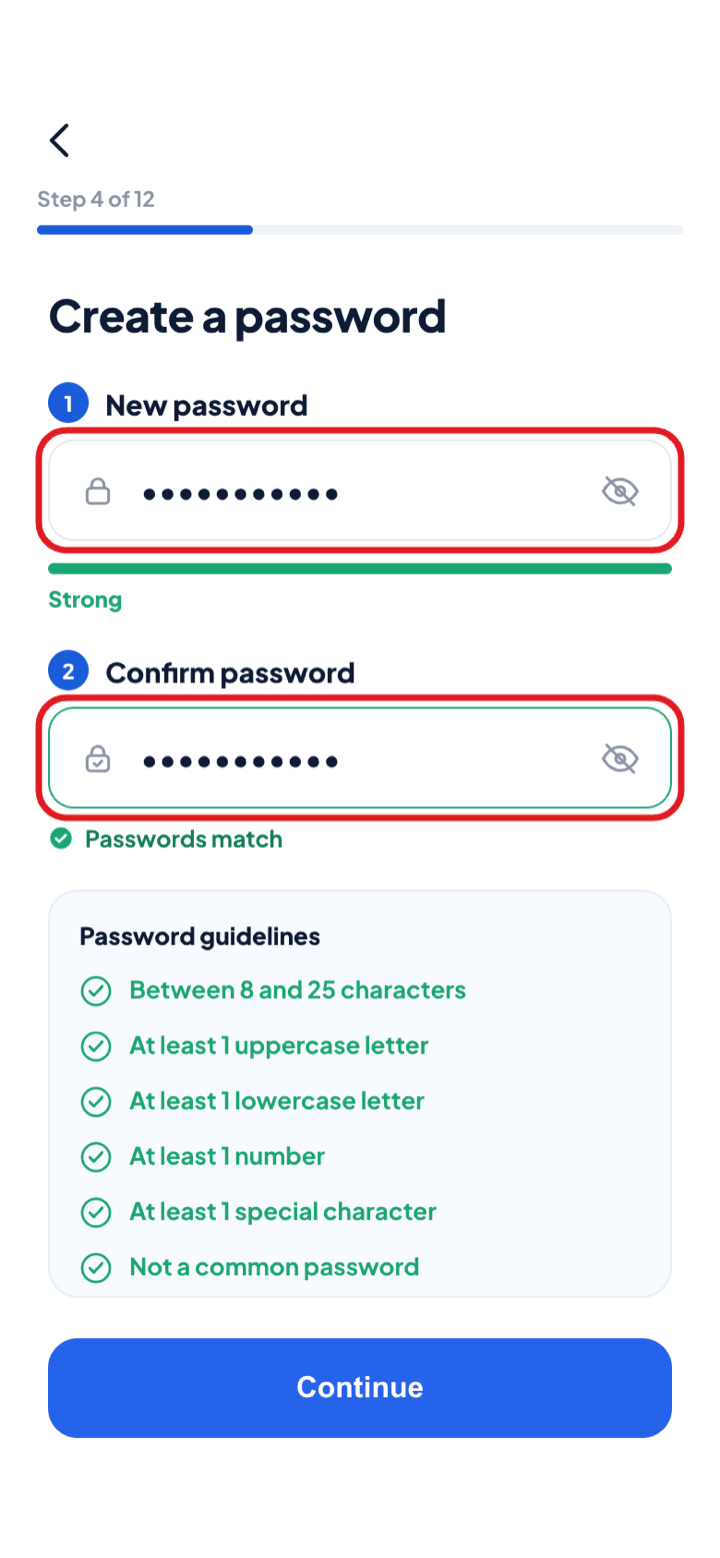
Create a password
- i.Enter your password, then type it again to confirm.
- ii.Use 8–25 characters with at least one uppercase letter, one lowercase letter, one number and one special character.
The Password guidelines list ticks green as each requirement is met.
Step 6
6
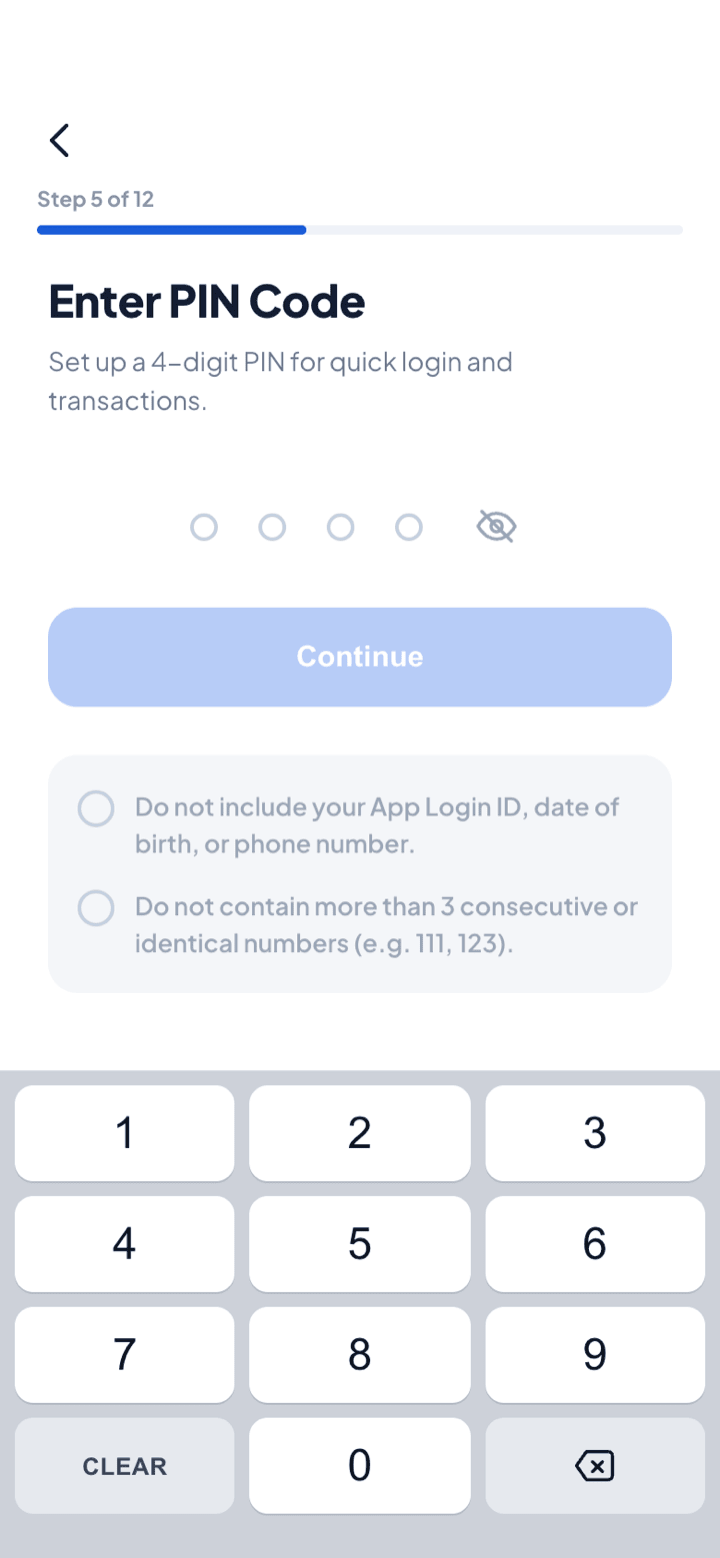
Set your 4-digit PIN
- i.Choose the 4-digit PIN you will use to log in and confirm transactions.
- ii.It cannot include your login ID, date of birth or phone number, or more than 3 consecutive or identical digits (111, 123).
Step 7
7
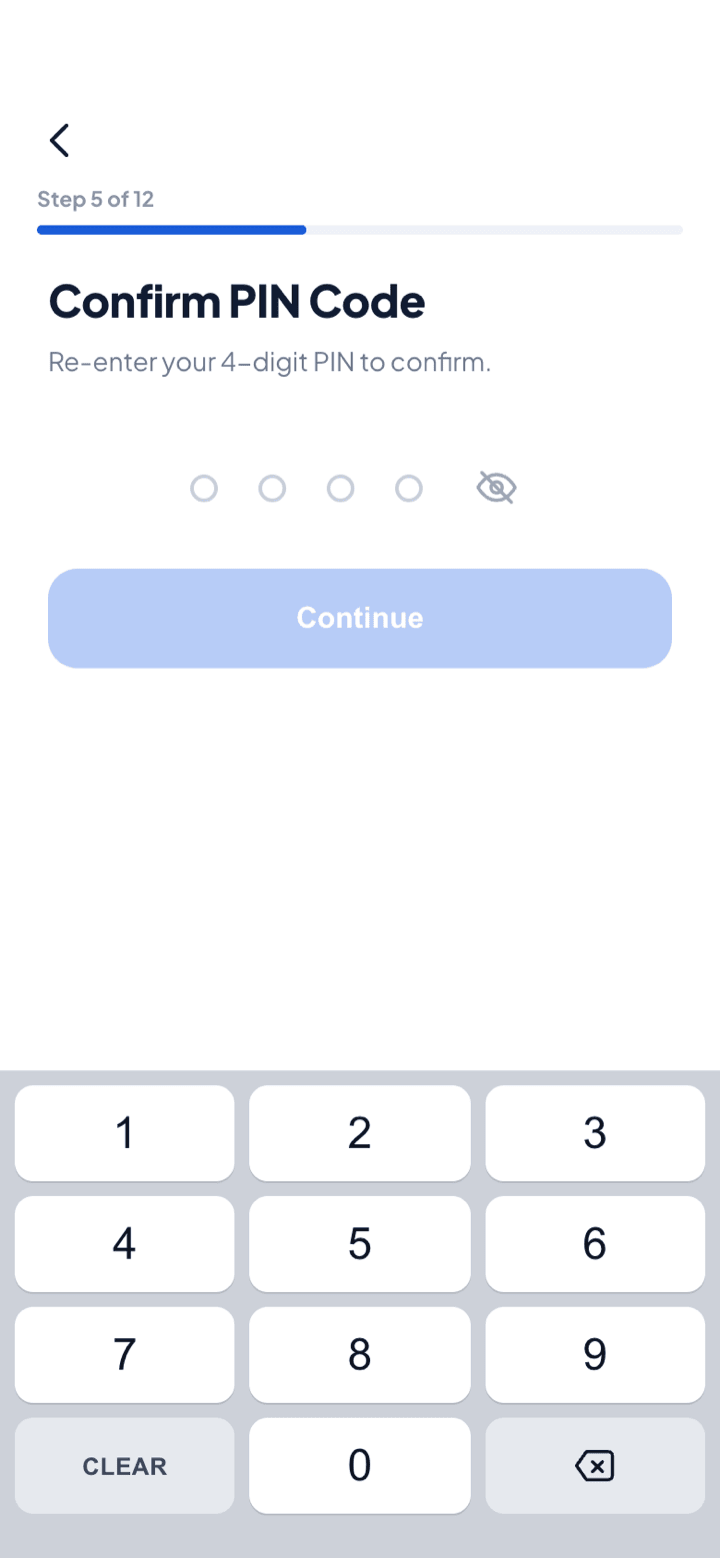
Confirm your PIN
- i.Re-enter the same PIN to confirm it.
- ii.Once set, you can also switch on Face ID login from the app settings.
Step 8
8
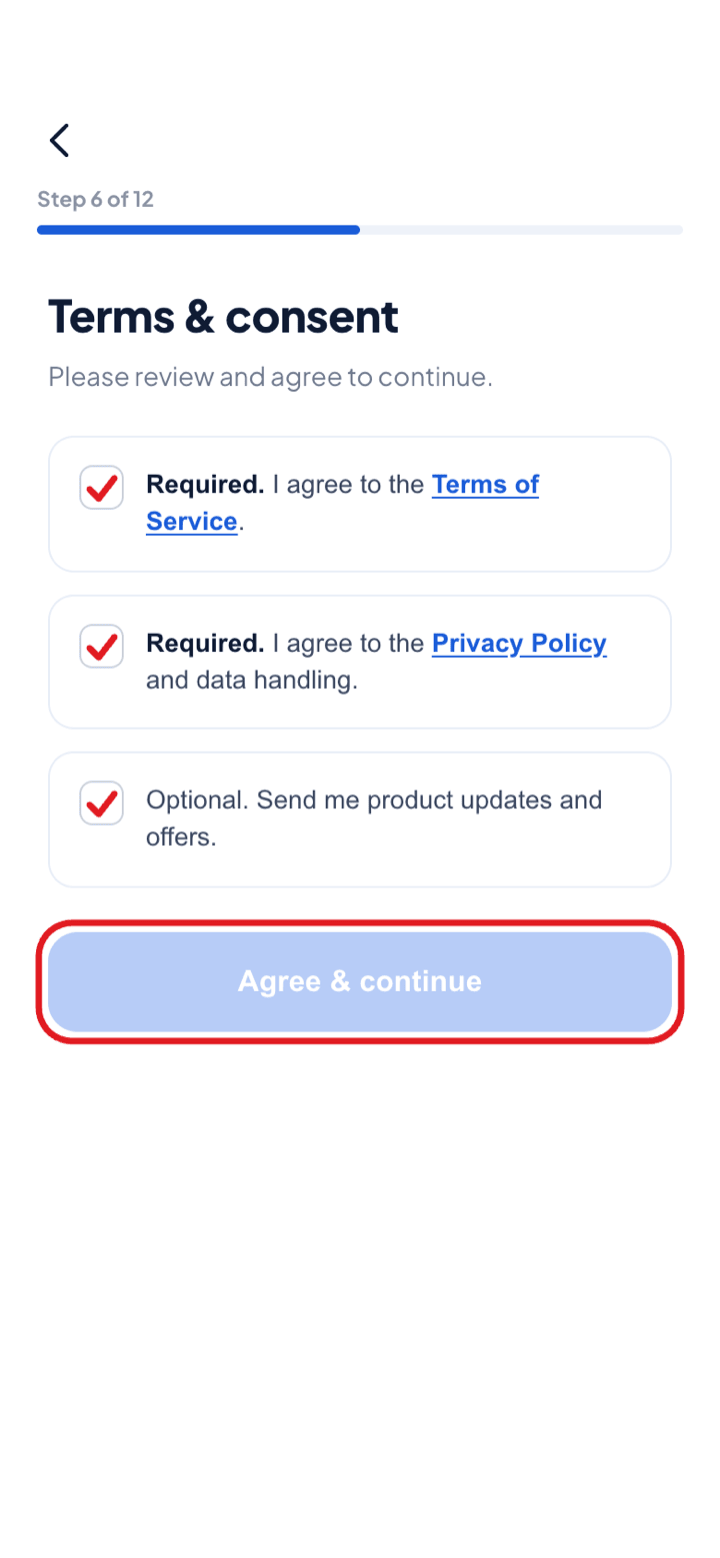
Terms & consent
- i.Agree to the Terms of Service and the Privacy Policy — both required.
- ii.Product updates and offers are optional. Tap Agree & continue.
Step 9
9
Verify your identity
- i.Photograph your residence card, passport or My Number Card — a residence card can also be read by holding it to the back of your phone.
- ii.Then complete the liveness check: position your face inside the frame and hold still.
While we check, the app shows “Your account is under review” — usually 30 minutes to one business day.
Step 10
10
Your personal information
- i.Enter your name, address, occupation and mobile number exactly as they appear on your ID.
- ii.If you have a referral code, type it (6 characters or more) or scan your friend’s referral QR.
Frequently asked questions
Talk to our support team
Stuck part-way through registration? We help in Nepali, English and Japanese.
Contact us